
We Spent 3 Weeks Testing 20 Digital Notebooks to Find the Best Models for Studying in 2026
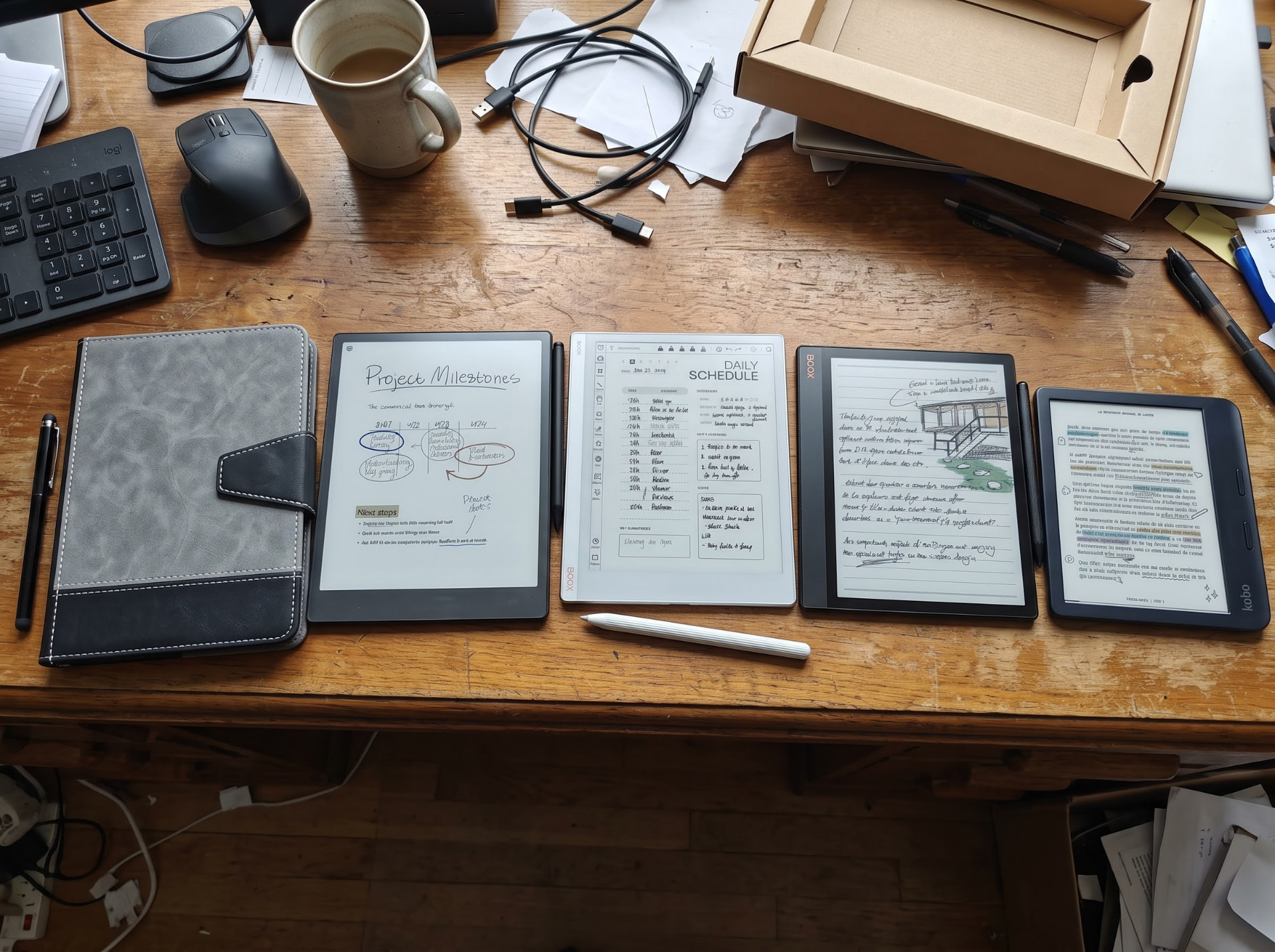
Few things are more frustrating than reviewing a semester of handwritten notes and finding them hard to read, impossible to search, or lost to a spilled coffee. Paper notebooks are convenient until you need to find one specific idea before an exam or meeting.
To find out which devices are actually worth buying, we spent three weeks testing 20 digital notebooks in real study conditions: long lecture sessions, hours in the library, and daily carries in a backpack. Most of them didn't make the cut. The five models in this guide are the ones that held up best for studying in 2026.
Choosing a digital notebook isn't easy either. Many devices feel nothing like paper, and it's hard to tell from the specs which ones will hold up in a busy lecture or meeting. This guide helps you move from paper to a digital setup where your notes are organized and safe.
We focused on the problems people run into most: unreliable handwriting recognition, short battery life and the risk of losing data. Whether you're a student working through equations or a professional juggling projects, these five devices are the strongest options for 2026.
Below are the standards we used to rank all 20 models, followed by our top five picks.
Our Evaluation Standards
Every one of the 20 notebooks went through the same four checks, and each was scored on a 100-point scale.
Handwriting Recognition
How accurately each device turns handwriting, equations and shapes into editable digital text.
Writing Feel
How quickly ink appears under the pen and how close the experience feels to writing on paper.
Battery Life
How many days or weeks a device lasts on a single charge with regular daily use.
Software & Syncing
How easy it is to sync to the cloud, export files and work with other productivity apps.

Ethan M – Educational Technology & Productivity Specialist
With over 10 years of experience in educational technology and digital productivity, Ethan specializes in evaluating innovative tools that help students and professionals study, organize information, and work more efficiently. He's passionate about finding practical digital note-taking solutions that combine the convenience of technology with the natural feel of handwriting. In his reviews, Ethan compares digital notebooks based on writing experience, ease of use, battery life, organization features, and overall value to help readers find the perfect tool for their learning and productivity needs.
1. Scriptora Pro
from Scriptora
Overall Grade
A+
Rating
9.8/10
Overall Analysis
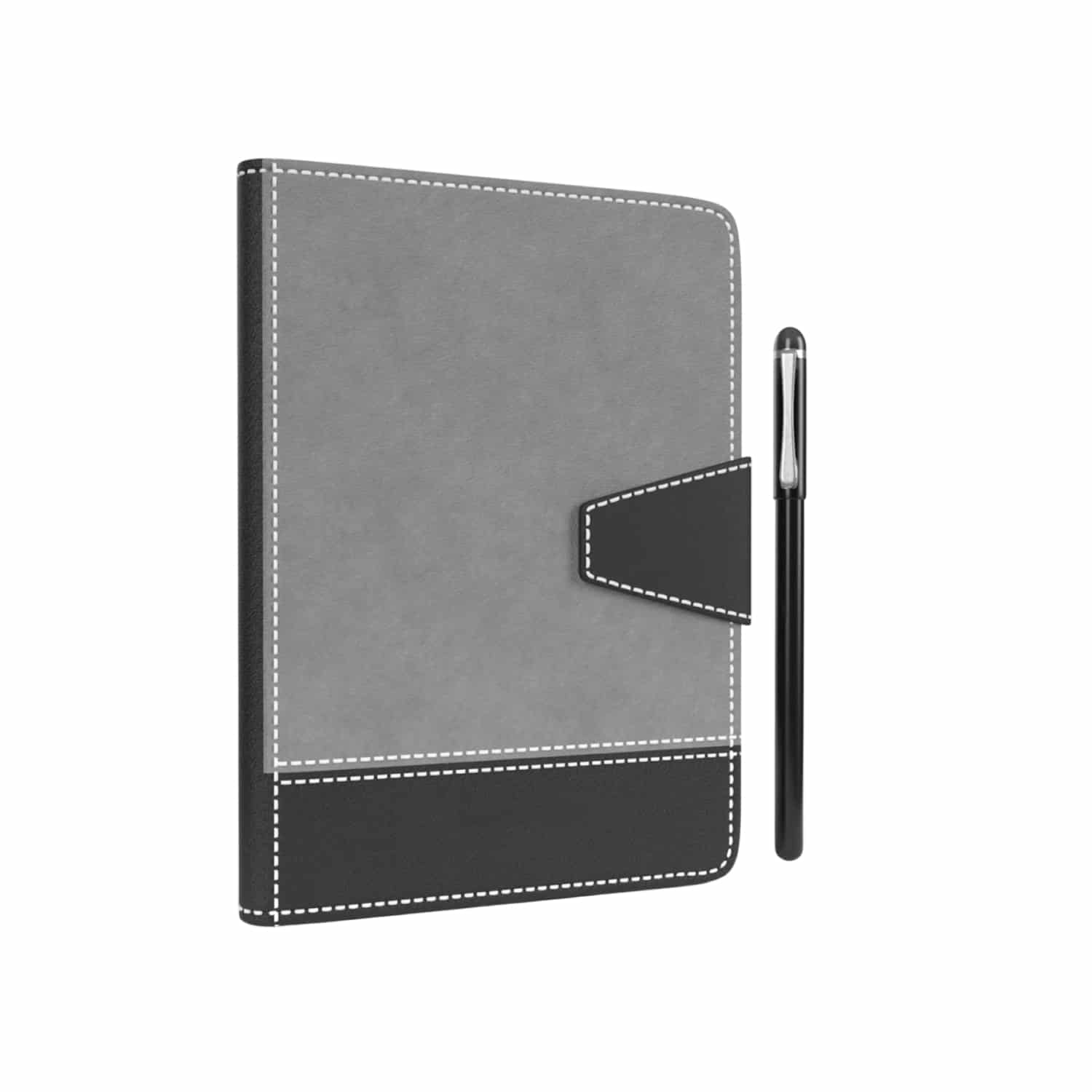
The Scriptora Pro is our top pick because it bridges handwriting and digital organization better than anything else in this guide. You write on real paper with a natural feel, and the notebook captures every stroke and converts it into searchable, editable text. The manufacturer quotes 99% recognition accuracy, covering everything from quick cursive to diagrams and musical notation.
Its 360° capture keeps recording accurately however you hold the pen, so you don't need to adapt your writing style. Bluetooth 5.0 keeps it connected to your phone or tablet up to 10 meters away, and notes are stored on the device when you're offline, then synced once you reconnect.
Voice recording is a standout for students: audio is linked to the notes you wrote at that moment, so you can tap a line and hear what the lecturer was saying. Combined with keyword search across every page, it turns a pile of handwritten notes into a library you can actually use at exam time.
The aluminum body feels premium and handles daily trips in a backpack. Notes export as DOC, PDF or JPG for easy sharing, the companion app sorts pages by date and topic, and equations can be converted into clean digital formats for reports and lab work.
With a large base of satisfied users and an energy-efficient design built for long study sessions, the Scriptora Pro offers the most complete package for anyone moving from paper to a digital workflow.
Pros
 Up to 99% handwriting recognition accuracy (manufacturer figure)
- 360° capture for natural, unrestricted writing
- Voice recordings linked to your written notes
- Durable aluminum construction
- Stable Bluetooth 5.0 connection up to 10 meters
- Exports to DOC, PDF and JPG
- Works online and offline
- Searchable handwritten notes
- Energy-efficient for long sessions
- Used by over 100,000 students and professionals
Cons
 Often sells out due to high demand
Wrap-Up
The Scriptora Pro earns the top spot with the most complete feature set for going digital, led by accurate handwriting recognition and reliable offline use. Stock is often limited, especially during seasonal offers, so it's worth checking availability early.
2. reMarkable Paper Pro
from reMarkable
Overall Grade
B+
Rating
8.7/10
Overall Analysis
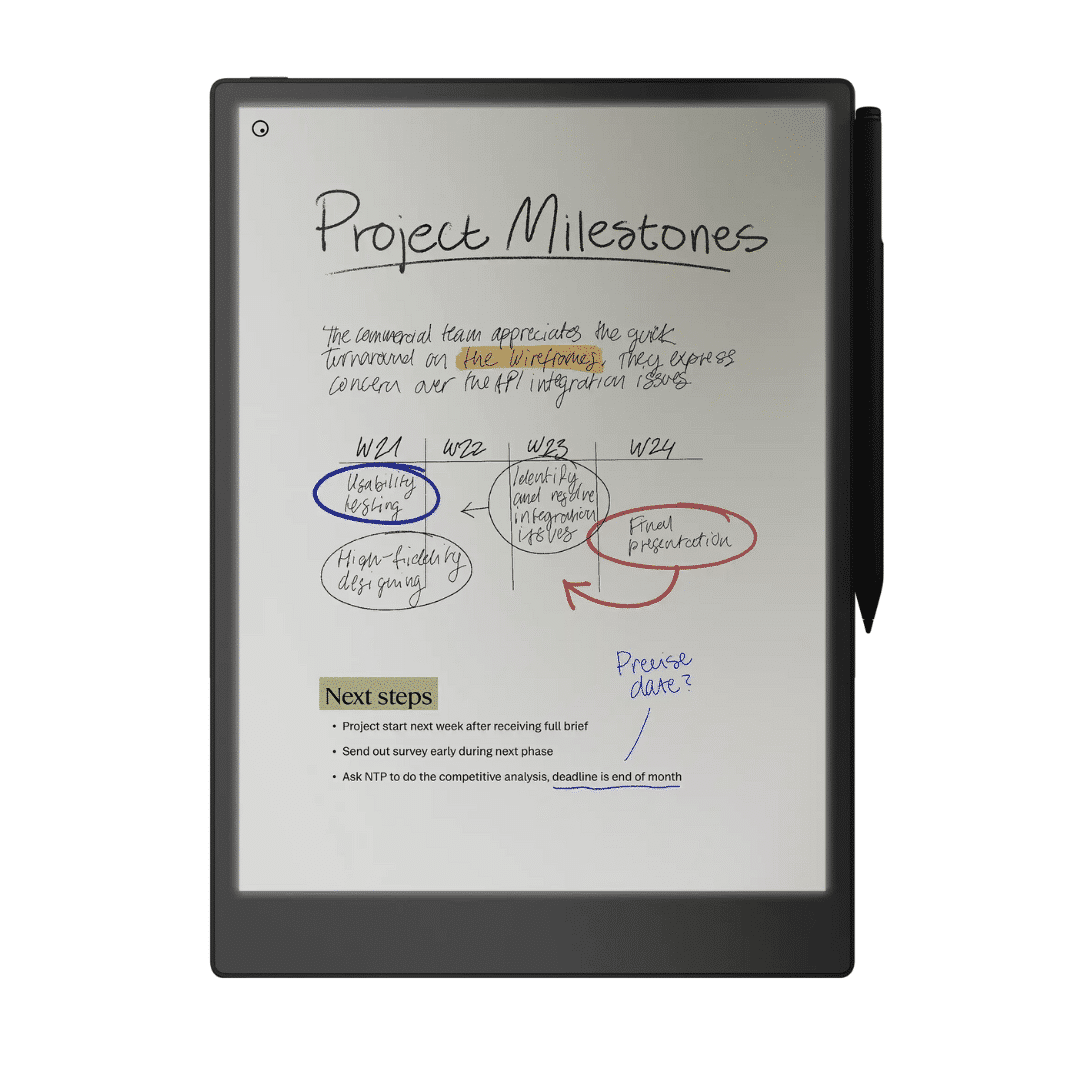
The reMarkable Paper Pro is built for people who care most about the writing experience. Its 11.8-inch color screen has a textured surface that feels remarkably close to paper, and the gap between pen tip and ink is so small that long writing sessions feel natural.
The Canvas Color display adds color for diagrams, highlights and annotations without the glare of a standard tablet screen. A built-in adjustable reading light makes it comfortable to use late at night or in dim rooms.
Privacy and sustainability are clear priorities: the device uses recycled materials, encrypts data on the device and supports multi-factor authentication — useful for professionals handling confidential work. The Marker attaches magnetically to the side, so it's always within reach.
It's expensive, and third-party app support is limited by design. In return you get excellent build quality, a generous writing area and a distraction-free interface with no email or social media. If you want the best possible digital paper and don't need many apps, it's a top contender.
Pros
- Large 11.8-inch color E-ink display
- Very paper-like writing feel
- Adjustable reading light
- On-device data encryption
- Made with recycled materials
- Magnetic pen storage
- Distraction-free interface
Cons
- High price
- Limited third-party app support
3. BOOX Go 10.3
from BOOX
Overall Grade
B
Rating
8.1/10
Overall Analysis
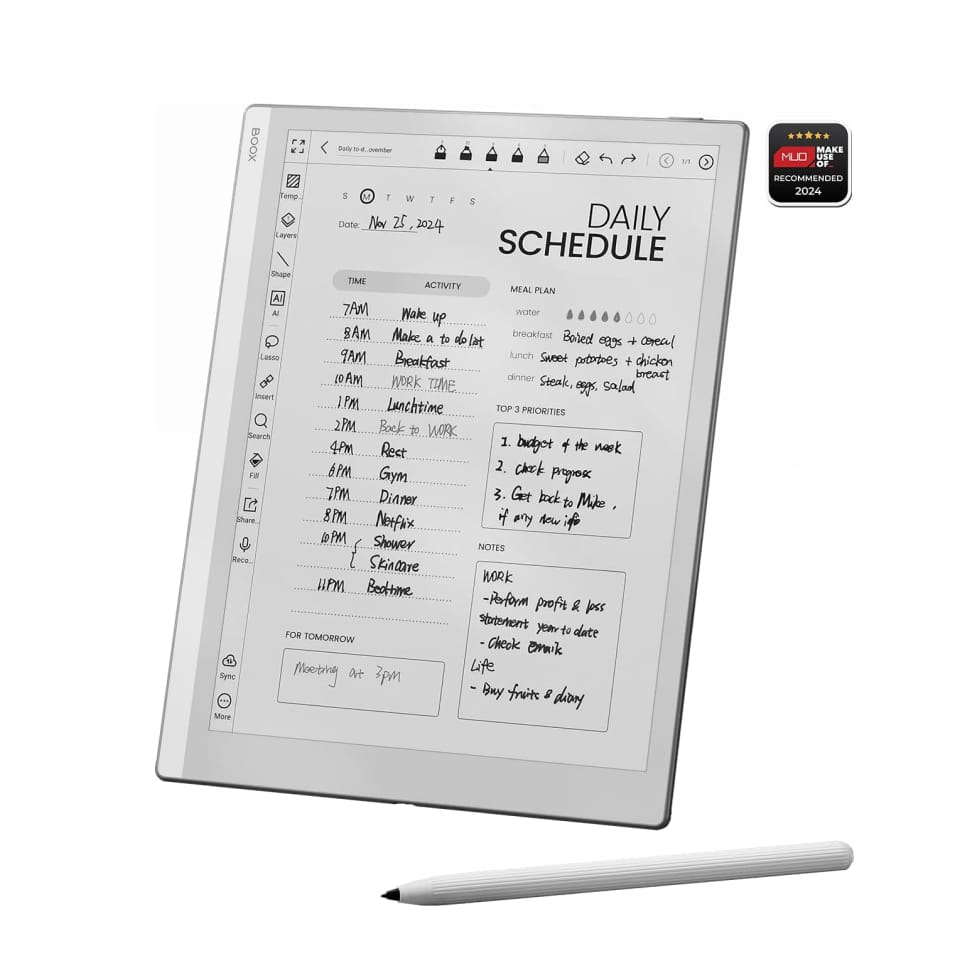
The BOOX Go 10.3 keeps things simple and does the basics very well. Its 300 PPI screen makes text look as sharp as print, and the high-contrast monochrome display is comfortable for reading long papers or drafting lengthy documents.
With 4GB of RAM and 64GB of storage, it opens large PDFs and full notebooks quickly, and switching between your library and your notes is fast. The black-and-white screen is efficient, so a single charge can last for weeks.
At just 12.9 ounces it's one of the lightest 10-inch devices available, yet it feels solid. The interface is easy to learn, so most people can start taking notes within minutes of unboxing.
There's no color screen and the software is more basic than premium models, but for a reliable, affordable note-taking and reading device, the Go 10.3 delivers good value.
Pros
- Sharp 300 PPI screen
- 64GB of storage
- Very lightweight and portable
- Simple, intuitive interface
- Long battery life
- Good value for everyday note-taking
Cons
- No color display
- Limited multitasking
- More basic software than premium models
4. Note Air 3 C
from BOOX
Overall Grade
C+
Rating
7.5/10
Overall Analysis
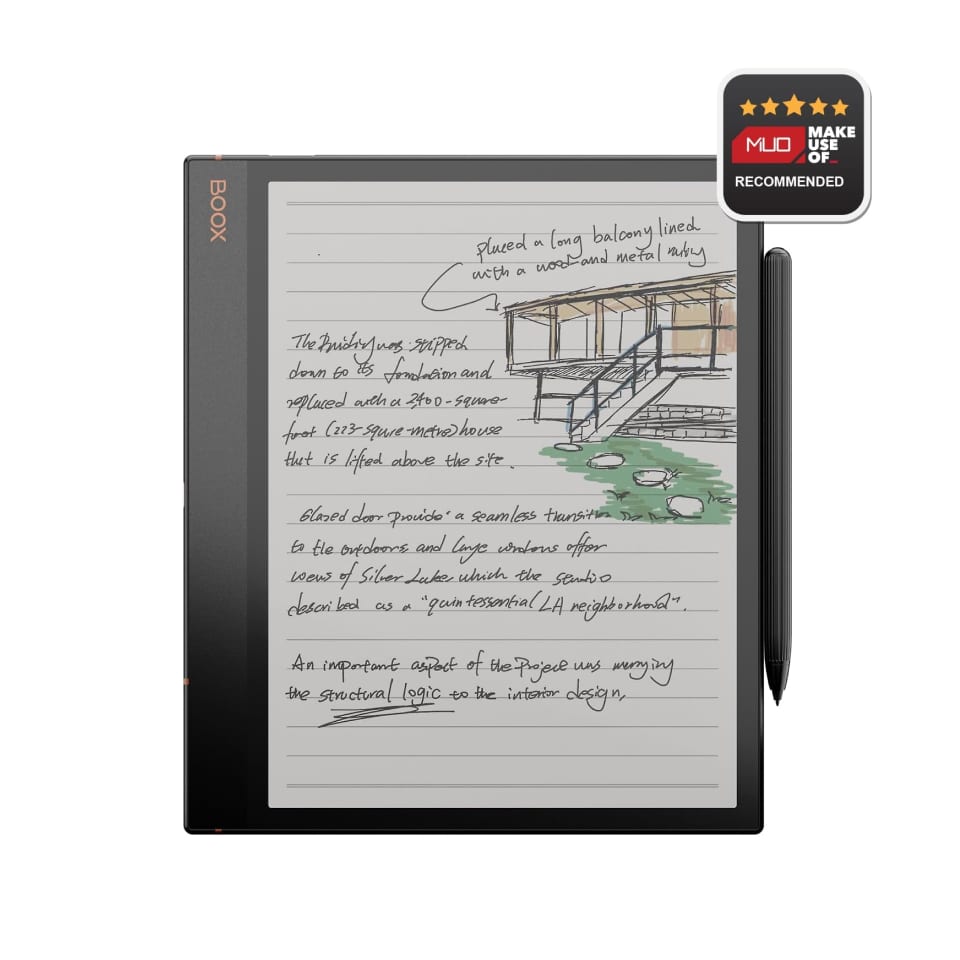
The Note Air 3 C suits power users who want a full operating system on an E-ink device. Running Android 12, it supports apps such as Notion and Google Drive, so it can fit into almost any workflow — from managing projects to writing a thesis. The color screen helps with charts and highlighting.
Split-screen mode lets you keep a textbook open on one side and your notes on the other, which is rare on E-ink devices and very useful for research. Cloud sync keeps your work backed up across devices.
All that flexibility comes with trade-offs: it costs more than basic models, the menus can feel complicated if you just want to write, and the color screen and Android system mean shorter battery life than monochrome devices.
File transfer between your computer and the notebook is quick, and reading and writing are far more comfortable than on a regular tablet. If you need broad app support and color, the Note Air 3 C is a capable choice.
Pros
- Color E-ink display
- Supports Android 12 apps
- Split-screen multitasking
- Cloud sync across devices
- Advanced note-taking tools
- Adapts to many workflows
Cons
- Pricier than standard models
- Interface can feel complex
- Shorter battery life than monochrome models
- Heavier than the BOOX Go 10.3
5. Kobo Libra Color
from Kobo
Overall Grade
C
Rating
7.1/10
Overall Analysis
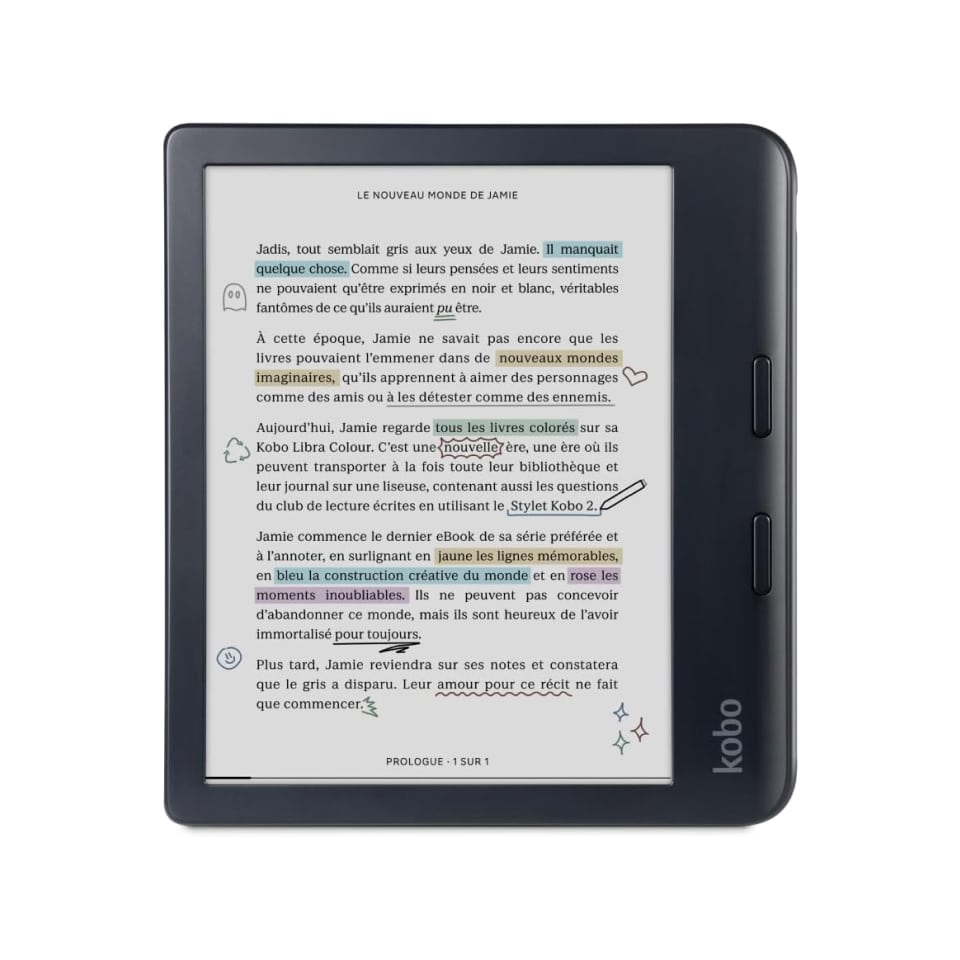
The Kobo Libra Color is the most portable device in this guide. Its 7-inch screen fits in a jacket pocket, and although it's mainly an e-reader, it handles quick notes and annotations well — a good companion for students who read a lot on the go. Color E-ink lets you color-code highlights.
It's waterproof to IPX8, so you can read by the pool or in the bath without worry, something most digital notebooks can't offer. 32GB of storage holds thousands of books, and physical page-turn buttons make reading comfortable.
The small screen is its main limitation for note-taking: long essays and detailed diagrams feel cramped compared with 10- and 11-inch devices, and the stylus lacks the pressure and tilt sensitivity of pricier models.
For anyone on a budget who values portability, it's an affordable way into color E-ink with a clean, simple interface. Think of it as a reader first and a notebook second.
Pros
- Compact and highly portable
- IPX8 waterproof
- Affordable color E-ink option
- Physical page-turn buttons
- Great for reading and annotating
Cons
- Screen too small for long notes
- Basic note-taking features
- Stylus often sold separately
- Not suited to complex diagrams
- Slower than a tablet
What is a Digital Notebook?
A digital notebook is a device designed to feel like writing on paper while giving you the benefits of digital storage. Many use E-ink screens, which are easy on the eyes and reflect light like real paper instead of glowing like a tablet.
It keeps all your handwritten notes in one place, where they can be searched, shared and backed up. You keep the focus and memory benefits of writing by hand, with none of the clutter of paper binders.
Across our three weeks with 20 of them, the devices that helped students most were the ones that made handwriting searchable — the difference between notes you can revise from and notes you simply re-read.
Benefits of Digital Notebooks
- Search your handwriting by keyword across thousands of pages
- Replace a stack of notebooks with a single device
- Read and write comfortably on screens without harsh backlight
- Back up notes automatically to the cloud
- Convert handwriting into editable text for reports
- Record audio linked to your written notes
- Focus without social media notifications
- Cut down on paper waste
What to Look For When Choosing a Digital Notebook
These are the checks that separated our five winners from the other 15 models in the three-week test.
Screen size
Larger screens are better for diagrams and long notes; smaller ones are easier to carry.
Writing response
Look for low latency so ink keeps up with your pen and writing feels natural.
Battery life
Aim for at least a week of regular use per charge.
App compatibility
Check support for the tools you rely on, such as OneNote or Evernote.
Pen comfort
Consider how the stylus feels and whether it needs charging.
Storage
Make sure there's enough room for your documents, books and notes.
Weight
If you'll carry it all day, a lighter device makes a real difference.
What to Avoid When Choosing a Digital Notebook
Every one of these problems showed up somewhere in our 20 devices, and each one cost a model its place in the rankings.

Ignoring latency
Noticeable lag between pen and ink quickly makes writing frustrating.
Overlooking syncing
Limited sync options can leave your notes stuck on one device.
Buying too small
A tiny screen leads to cramped handwriting that's hard to read later.
Skipping recognition quality
Weak handwriting recognition means you may end up retyping notes anyway.
Forgetting pen costs
Some brands sell the stylus separately, which adds to the real price.
Ethan M – Educational Technology & Productivity Specialist
With over 10 years of experience in educational technology and digital productivity, Ethan specializes in evaluating innovative tools that help students and professionals study, organize information, and work more efficiently. He's passionate about finding practical digital note-taking solutions that combine the convenience of technology with the natural feel of handwriting. In his reviews, Ethan compares digital notebooks based on writing experience, ease of use, battery life, organization features, and overall value to help readers find the perfect tool for their learning and productivity needs.